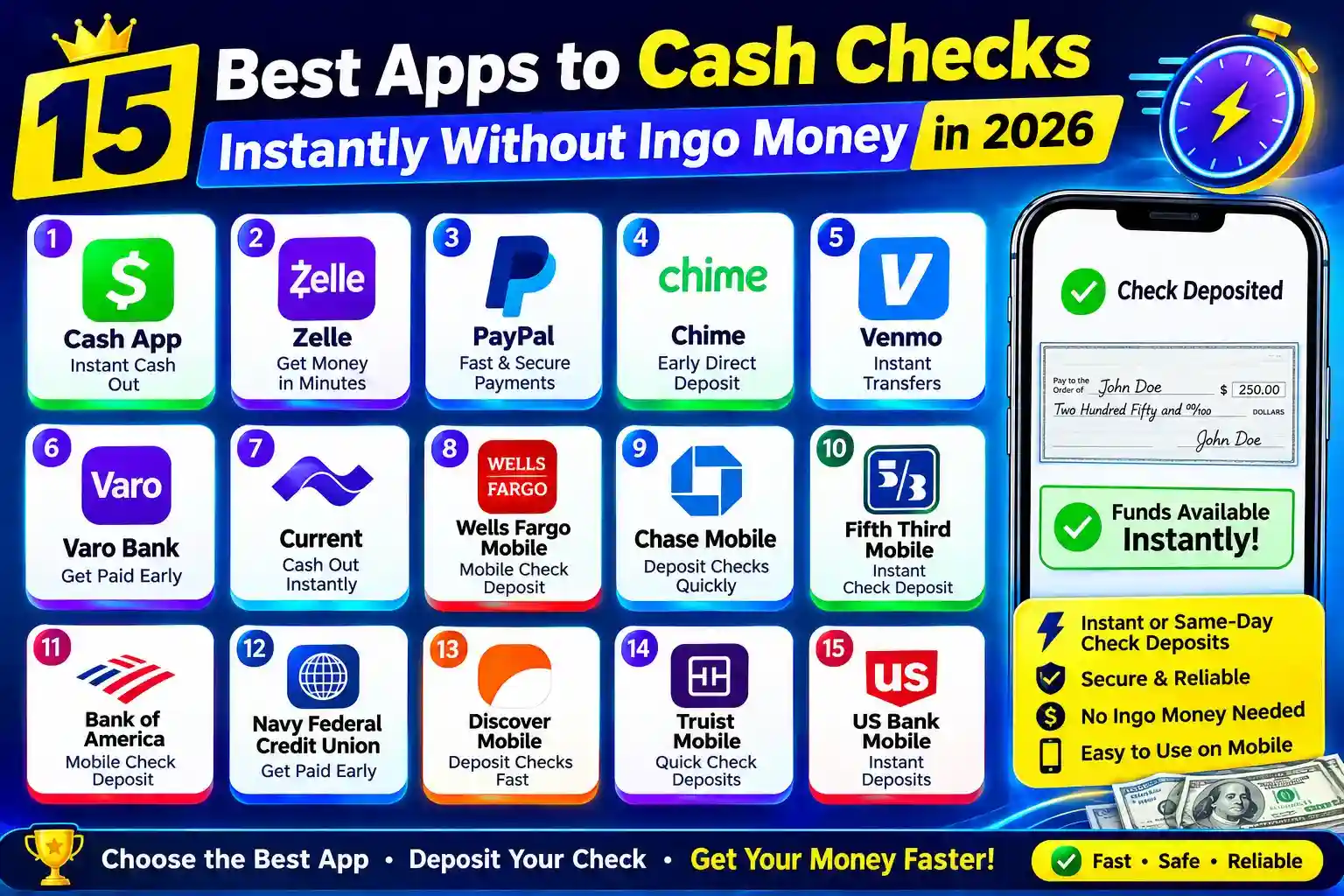
Having a paper check in your wallet can be tedious if you have to wait days for it to clear. Fortunately, there are a few mobile banking and check-cashing options that will allow you to deposit your check from your cell phone and retrieve eligible funds within a few days.
This guide will explain the top 15 apps to cash checks instantly without Ingo Money in 2026, with an emphasis on apps that might suit the needs of those that want quicker access to their funds. We will also provide an explanation of what to expect from verification, fees, requirements, and mobile check deposit limits.
When selecting an app, keep in mind that there is a very big distinction between “instant” and “guaranteed” instant cash. Even most legitimate ones are still asking for an identity check, check verification, and approval before they can release the funds.
Also Read:- Lost a video? How To Find It Using Reverse Video Search
What Is an Instant Check Cashing App?
An instant check cashing app allows you to photograph a paper check with your smartphone and submit it for electronic deposit. Depending on the provider, funds may become available within minutes, hours, or a few business days.
Some apps offer an optional expedited service for an additional fee, while others provide standard deposits at no extra cost.
If you’re searching for an instant check cashing app no verification, be careful. Legitimate financial services generally have some form of identity, account, or check verification. An app promising guaranteed cash with absolutely no verification may carry significant risks.
15 Best Apps to Cash Checks Without Ingo Money
1. Chime
Chime is a popular online banking service that supports mobile check deposits for eligible users. You can photograph your check through the app and submit it for review.
Chime can be useful if you want a broader banking account rather than a dedicated check-cashing service. Deposit availability depends on the check and account eligibility.
Best for: People who want mobile banking and check deposit in one app.
2. Cash App
Cash App provides financial services through its mobile platform, and eligible users may have access to check deposit features. Availability and requirements can vary by account.
The app can be convenient for users who already use it for receiving and sending money.
Best for: Existing Cash App users looking for additional ways to manage money.
3. PayPal
PayPal offers mobile check cashing/deposit services through its app for eligible customers. Depending on the check and selected service, users may have standard or faster availability options.
PayPal is particularly useful if you already use the platform for online payments.
Best for: Users who already have a PayPal account.
4. Venmo
Venmo’s mobile financial services can provide check-related deposit options to eligible customers. Availability may depend on your account, check type, and verification.
It’s worth checking the current terms inside the app before submitting a check.
Best for: Existing Venmo users who want mobile financial services.
5. Netspend
Netspend provides prepaid and financial account services that may include mobile check deposit for eligible customers.
It can be an option for people who prefer a prepaid or account-based solution rather than visiting a physical check-cashing store.
Best for: Users looking for prepaid financial services.
6. Brink’s Money Prepaid
Brink’s Money offers a prepaid account and mobile financial tools. Eligible customers may be able to deposit checks through the mobile app.
The service may offer faster access for qualifying deposits, although fees and eligibility can apply.
Best for: People interested in prepaid accounts and mobile deposits.
7. Green Dot
Green Dot provides mobile banking and prepaid financial products. Depending on the account and current features, customers may have access to mobile check deposit.
Green Dot can be useful for people who want an alternative to traditional checking accounts.
Best for: Mobile banking and prepaid-account users.
8. GO2bank
GO2bank is an online banking service that supports mobile check deposit for eligible customers.
The app can be particularly useful for people who want direct access to banking features without relying on a traditional branch.
Best for: Users looking for an online banking alternative.
9. ACE Flare Account
ACE Flare provides financial services through a mobile-friendly account. Depending on eligibility, customers may have access to mobile check deposit and other money-management features.
As with any check deposit service, review the fee structure before selecting expedited processing.
Best for: People looking for an alternative financial account.
10. OneUnited Bank
OneUnited Bank provides online and mobile banking services, including mobile deposit features for eligible customers.
While it isn’t a traditional check-cashing app, its mobile deposit functionality can be useful if you want your check deposited into a bank account.
Best for: Users who prefer a bank-based solution.
11. Regions Mobile Banking
Regions customers may be able to deposit checks through the bank’s mobile app. Mobile deposit availability and fund-release times depend on account history, check type, and applicable policies.
This is a good option if you already bank with Regions.
Best for: Existing Regions customers.
12. Wells Fargo Mobile
Wells Fargo offers mobile check deposit to eligible customers through its banking app. Users can photograph both sides of a check and submit it electronically.
The standard deposit process may be free, although availability isn’t necessarily immediate.
Best for: Existing Wells Fargo customers.
13. Bank of America Mobile Banking
Bank of America customers can use the mobile app to deposit eligible checks without visiting a branch.
This can be convenient for people who already have an account and simply need a faster way to deposit paper checks.
Best for: Existing Bank of America customers.
14. Chase Mobile
Chase customers can use the Chase mobile app to deposit eligible checks. The process generally involves photographing the check and following the deposit instructions within the app.
It’s a convenient alternative to visiting a branch or ATM.
Best for: Existing Chase customers.
15. Current
Current is a mobile-focused financial service that provides banking features through its app. Eligible users may have access to mobile check deposit depending on the account and current service availability.
Current can be worth considering if you want an app-centered banking experience.
Best for: People who prefer mobile-first banking.
Also Read:- Top 15 Free Anonymous Text Apps for Secure Conversations
Can You Cash a Check Online Instantly Without a Bank Account?
Yes, in some situations, you may be able to use a prepaid account or financial app without having a traditional bank account. However, “cash check online instantly without bank account” doesn’t mean every check will be approved instantly.
Most legitimate services still need to verify:
- Your identity or account information
- The check’s authenticity
- The check amount
- The check issuer
- Whether the check meets the provider’s eligibility rules
Some services may require you to create an account before you can deposit a check.
You can cash a check online now instantly for free?
Know that “free” and “instant” don’t always go together when finding cash check online.
Standard mobile check deposits are offered by many apps for free, but expedited check deposits might come at a cost. Exactly how much it will cost may vary based on the amount of the check, your account history, and the provider.
When considering an instant deposit option, make sure to compare the fee with what you’re getting. When dealing with a relatively small check, the amount of the fee may be significant.
What’s With Ingo Check Cashing?
Mobile check-cashing and expedited check-cashing services are related to ingo check cashing. But not all want to use Ingo, and some players would like to have an alternative which operates via banking, prepaid accounts, or different monetary apps.
If you’re simply trying to stay clear of Ingo, search for services which govern mobile deposits via their very own banking or payment system.
Please note that processing partners, features, fees and availability of an app can change over time. Be sure to verify the provider’s latest terms before issuing a check.
Can You Use an Instant Check Cashing App With No Verification?
An instant check cashing app no verification is difficult to find among legitimate financial providers.
Verification exists for a reason. Financial companies need to protect customers against stolen checks, fraudulent transactions, identity theft, and money laundering.
Instead of looking for an app with absolutely no verification, look for one with:
- A straightforward signup process
- Clear identity requirements
- Transparent fees
- A legitimate customer-support system
- Clearly explained deposit limits
- Secure mobile check-deposit technology
Avoid services that ask you to pay an upfront fee simply to “unlock” your check or promise guaranteed approval without checking anything.
How Does Online Check Cashing Work?
The process is usually simple:
Step 1: Choose a legitimate app
Select a bank, prepaid account, or financial service that supports mobile check deposits.
Step 2: Create or access your account
Most services require an account. You may need to provide personal information and complete identity verification.
Step 3: Endorse the check
Sign the back of the check exactly as instructed by the provider. Some services require additional wording.
Step 4: Take clear photos
Use your phone’s camera to photograph the front and back of the check. Make sure all information is readable and the images aren’t blurry.
Step 5: Enter the check amount
Enter the exact amount printed on the check.
Step 6: Submit the deposit
Send the check through the app and wait for the provider’s confirmation.
Step 7: Wait for funds to become available
Depending on the provider, funds may be available quickly or after a standard holding period.
How to Choose the Best Check Cashing App
Don’t choose an app based only on the word “instant.” Consider these factors first.
Fees
Check whether standard deposits are free and whether faster access costs extra.
Verification
Understand what information the provider requires before submitting your check.
Deposit limits
Some services place daily, weekly, or monthly limits on mobile check deposits.
Check types
Not every provider accepts every type of check. Government checks, payroll checks, personal checks, handwritten checks, and third-party checks may have different rules.
Fund availability
Look at the estimated time before the money can actually be spent or withdrawn.
Security
Choose established financial providers with secure apps and clear privacy policies.
Customer support
If a check is rejected or held for review, reliable customer support can make a big difference.
Tips for Cashing a Check Faster
If you need your money quickly, a few simple steps can reduce unnecessary delays:
- Photograph the check in good lighting.
- Make sure all four corners are visible.
- Follow the endorsement instructions exactly.
- Enter the amount correctly.
- Use a reliable internet connection.
- Keep the physical check until the provider confirms that it is safe to destroy it.
- Submit checks during the provider’s recommended processing hours when applicable.
- Review the provider’s fund-availability policy before choosing expedited processing.
Is Online Check Cashing App Safe?
While some established banking and financial applications may be safe to use if they are used correctly, none are entirely risk-free.
Do not provide your banking logon details to a strange third-party website just because they claim that they will get you cash instantly. Beware of offers that ask for a unique upfront payment as well.
A genuine supplier will undoubtedly explain its fees, eligibility criteria, privacy procedures, and the deposit method.
Final Thoughts
It’s not hard to find an alternative to Ingo. Consumers in 2026 will have multiple options from mobile banks and prepaid accounts to legacy financial apps that do allow mobile check deposits.
Consider the fees for expedited deposits and when the funds will be available when you’re focused on speed. If you’re on a budget, see if the bank offers free standard mobile deposits. If you do not have a regular bank account, try out prepaid and mobile financial accounts that are legitimate instead of perhaps those that will offer you absolutely verified cash.
Most importantly, assume nothing is “instant” is “guaranteed”. All of these can differ in terms of acceptance, identity verification, limits on deposits, fees, and availability. The best way to obtain access to the check funds is to select a good provider and adhere to its deposit guidelines.
Frequently Asked Questions
There isn’t one best app for everyone. The right choice depends on whether you already have a bank or prepaid account, the type and amount of your check, applicable fees, and how quickly you need access to the funds.
Potentially, yes. Some prepaid and financial apps may allow eligible users to deposit checks without having a traditional bank account. However, an account with the provider is usually still required.
Generally, you should not expect a legitimate financial provider to offer completely verification-free check cashing. Identity and check verification help prevent fraud.
Some apps offer standard mobile check deposits without an additional deposit fee. However, faster access may cost extra, so check the provider’s current pricing before submitting the check.
Timing varies. Some eligible checks may receive expedited availability, while standard deposits can take longer. The exact timing depends on the provider, account history, check type, amount, and other factors.
Some services accept personal checks, while others restrict them. Check the provider’s current eligibility requirements before depositing one.
Yes. There are banking, prepaid, and financial apps that provide mobile check deposit services without requiring you to use Ingo Money.
The provider may reject a check because of image quality, incorrect endorsement, unsupported check type, suspected fraud, account restrictions, or other eligibility issues. Follow the app’s instructions or contact customer support for the specific reason.